Most restaurants and cafés already have a "menu" online — a photo of the printed one, or a PDF, sitting in an Instagram bio or a WhatsApp status. It looks fine as a preview, but ask a customer to actually order from it and the cracks show fast: they're zooming into a blurry photo to read prices, screenshotting it to send back to you with "is this still available?", and you're the one retyping it all into a reply.
What Actually Makes a Menu "Online" (Not Just a Photo of One)
A picture of a menu is still a picture — a customer can look at it, but they can't browse it, search it, or order from it directly. A real online menu is something a customer can tap through on their phone: categories they can jump between, items they can read without zooming, and prices that are always the current ones, not whatever was true when the photo was taken.
It also means an item that's sold out for the day can actually say so, instead of sitting there in a photo looking exactly as available as everything else — the single most common reason a customer places an order you then have to walk back.
Categories, Photos, and the Details That Actually Sell a Dish
Creating an online menu that customers actually enjoy browsing comes down to a few things a flat photo can't do: grouping dishes into categories — appetizers, mains, drinks, desserts — so customers aren't scrolling past a burger to find a milkshake, a real photo per dish instead of one grainy group shot, and the details that change what someone actually orders: spice level, extra cheese, no onions, size. On ORDERK, those are custom options a customer picks per item, so "no onions" arrives as a clear line on the order instead of a note you hope the kitchen sees in time.
Updating Prices and 86'ing an Item Without Reprinting Anything
Printed menus make every price change expensive — a new design, a print run, a table full of stickers over the old total. An online menu should make it free: change a price from your phone between orders and it's live immediately, everywhere the menu is shared. Run out of the daily special halfway through lunch? Mark it out of stock and it stops showing as orderable, instead of customers ordering something the kitchen has to apologize for twenty minutes later.
Dine-In, Pickup, or Delivery — Decided Right on the Menu
A restaurant's menu isn't just a list of dishes — it's also how someone's actually going to get the food. ORDERK's checkout lets you offer dine-in, pickup, and delivery as options right where the customer is already ordering, so it's settled before the order reaches you instead of a follow-up message asking which one they meant.
One Link for the Table, the Bio, and the Door
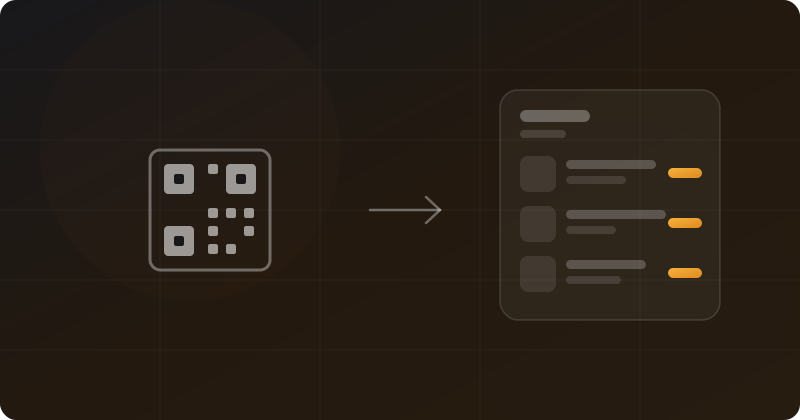
Once your menu has a real link — something like your-café.orderk.app — it works everywhere a printed menu can't: in your Instagram bio, in your WhatsApp status, and printed as a QR code for the tables, so a walk-in can scan, browse, and order without downloading anything or waving down a server to ask what's left of the specials.
You don't need a designer or a print shop to have a real online menu — you need one built for how a kitchen actually runs. [ORDERK](https://orderk.app) turns your menu into a real, always-current storefront you can set up from your phone, for free.